
Overview
This post covers how to change word break properties in the Minimal Mistakes theme to fix horizontal scrolling on mobile.
Introduction
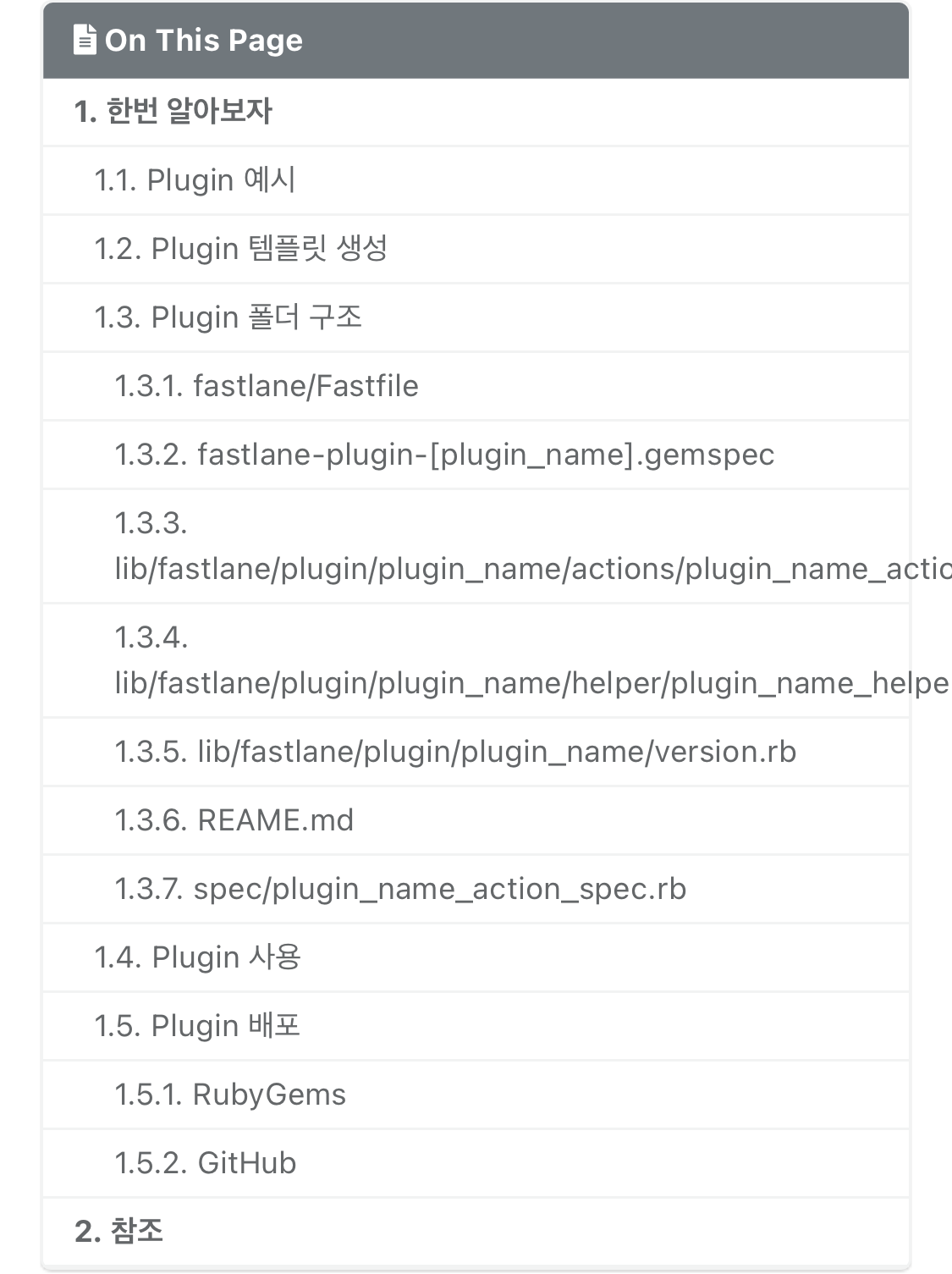
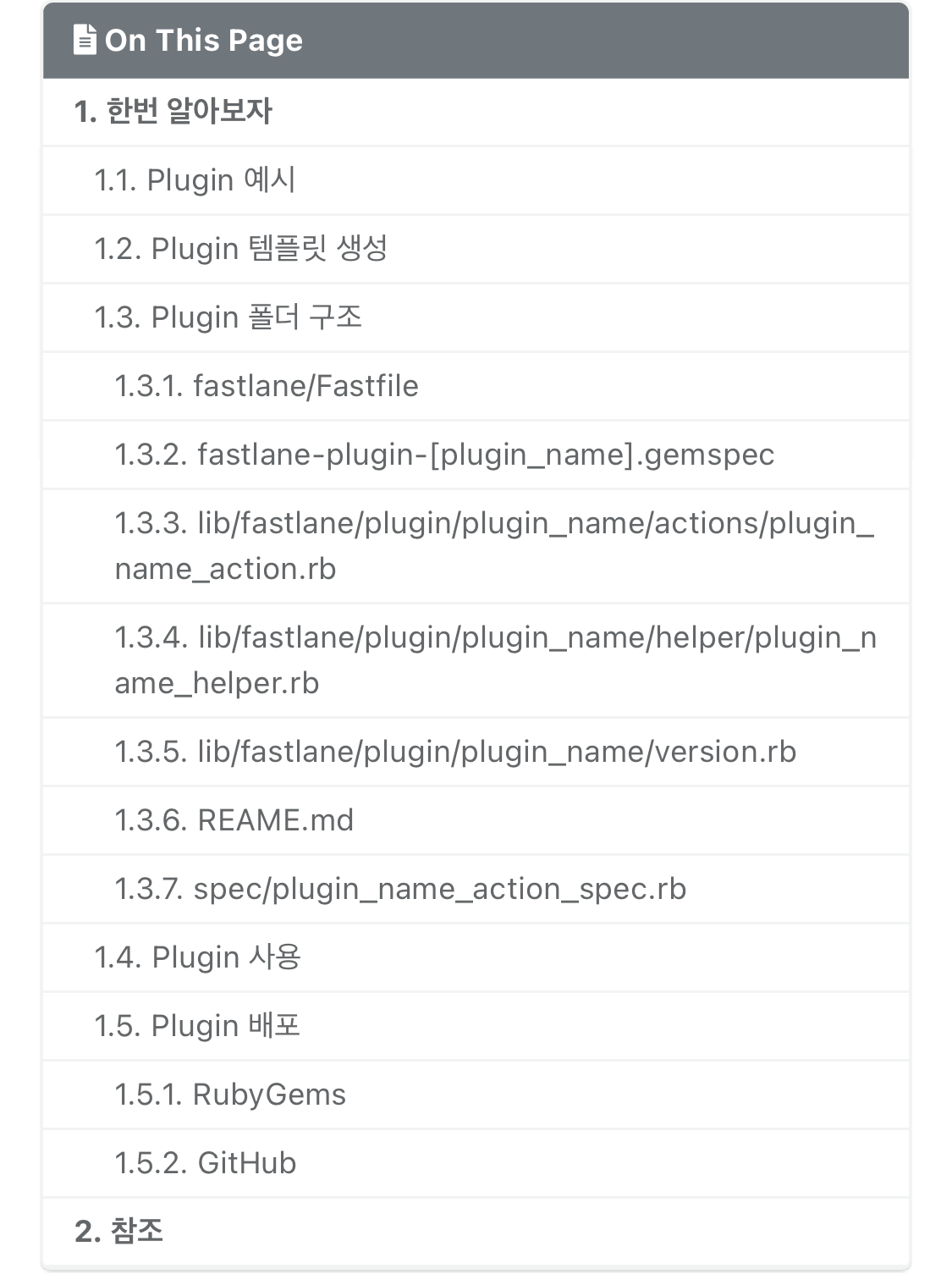
I’m using Minimal Mistakes as the theme for my Jekyll blog. Depending on the words or sentences in the post body, some content renders beyond the device screen width. This causes horizontal scrolling on mobile, which is very annoying, so I looked for a solution.
Steps
1. Add word-break and overflow-wrap Properties to _base.scss
h1,
h2,
h3,
h4,
h5,
h6,
nav,
ul {
  word-break: break-all;
  overflow-wrap: break-word;
}
2. Verify the Result
References
Owners:
- Planning
- binaryloader
- Research
- binaryloader
- Drafting
- binaryloader
- Editing
- binaryloader
- Review
- binaryloader
- Translation
- Claude
- Thumbnail
- Claude
- Publishing
- binaryloader





Leave a comment