
Overview
Fixing cut LAN ports, crimping RJ45 connectors, and organizing TV cables after my parents moved to a new apartment.
Steps
When my parents moved to a new apartment, we discovered that the previous resident had cut the cables on several LAN ports. Rather than paying a technician’s service call fee for what seemed like a straightforward job, I decided to fix the LAN wiring and clean up the TV cables myself.
1. Fixing the LAN Ports
1.1. Inspecting the Floor Outlet
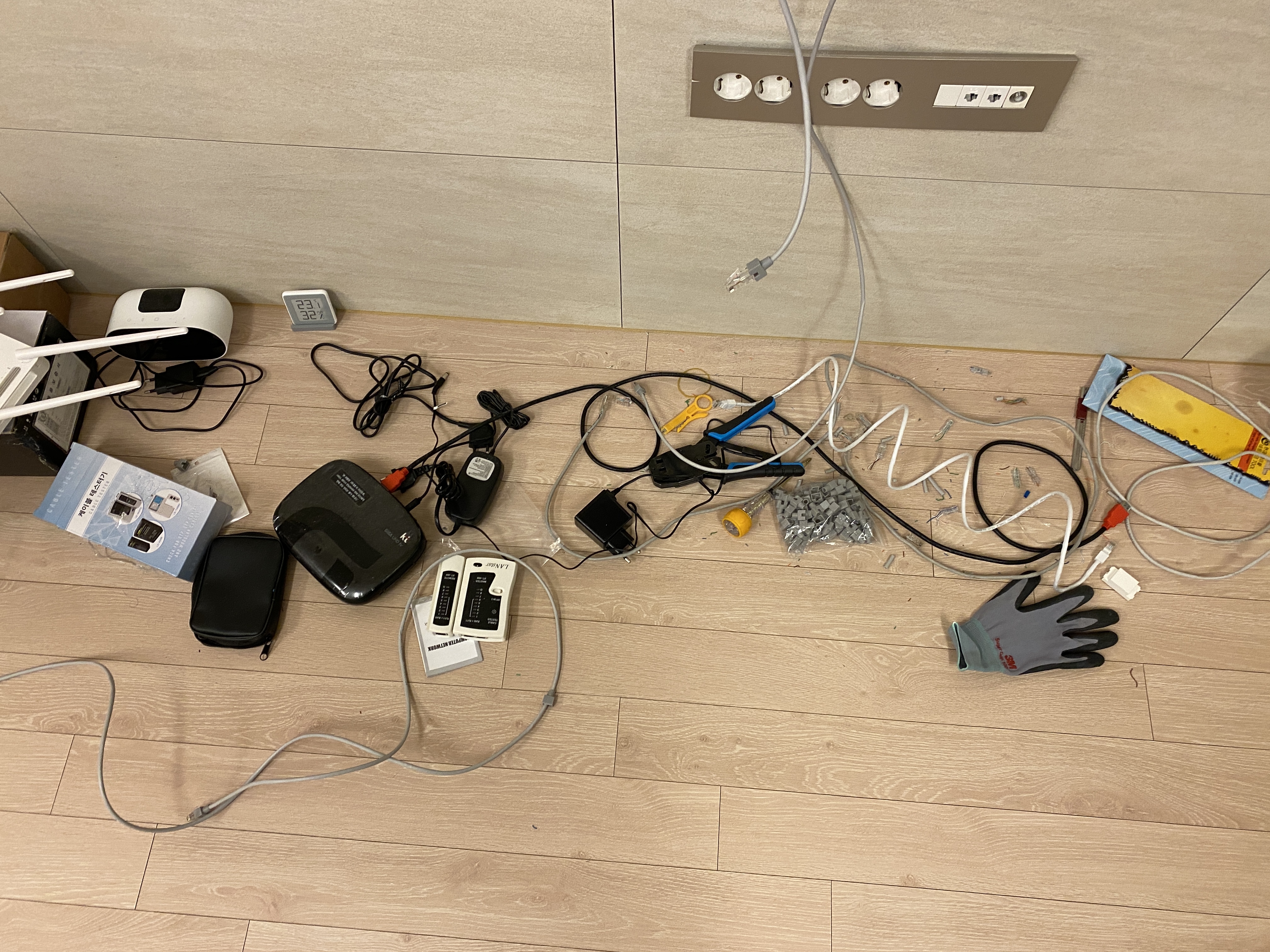
I opened the floor-mounted outlet box near the TV and found the LAN port cables had been severed. They weren’t cut cleanly — they looked like they had been ripped apart — so the existing cables were beyond repair. I decided to replace both the keystone jack and the RJ45 connector from scratch.
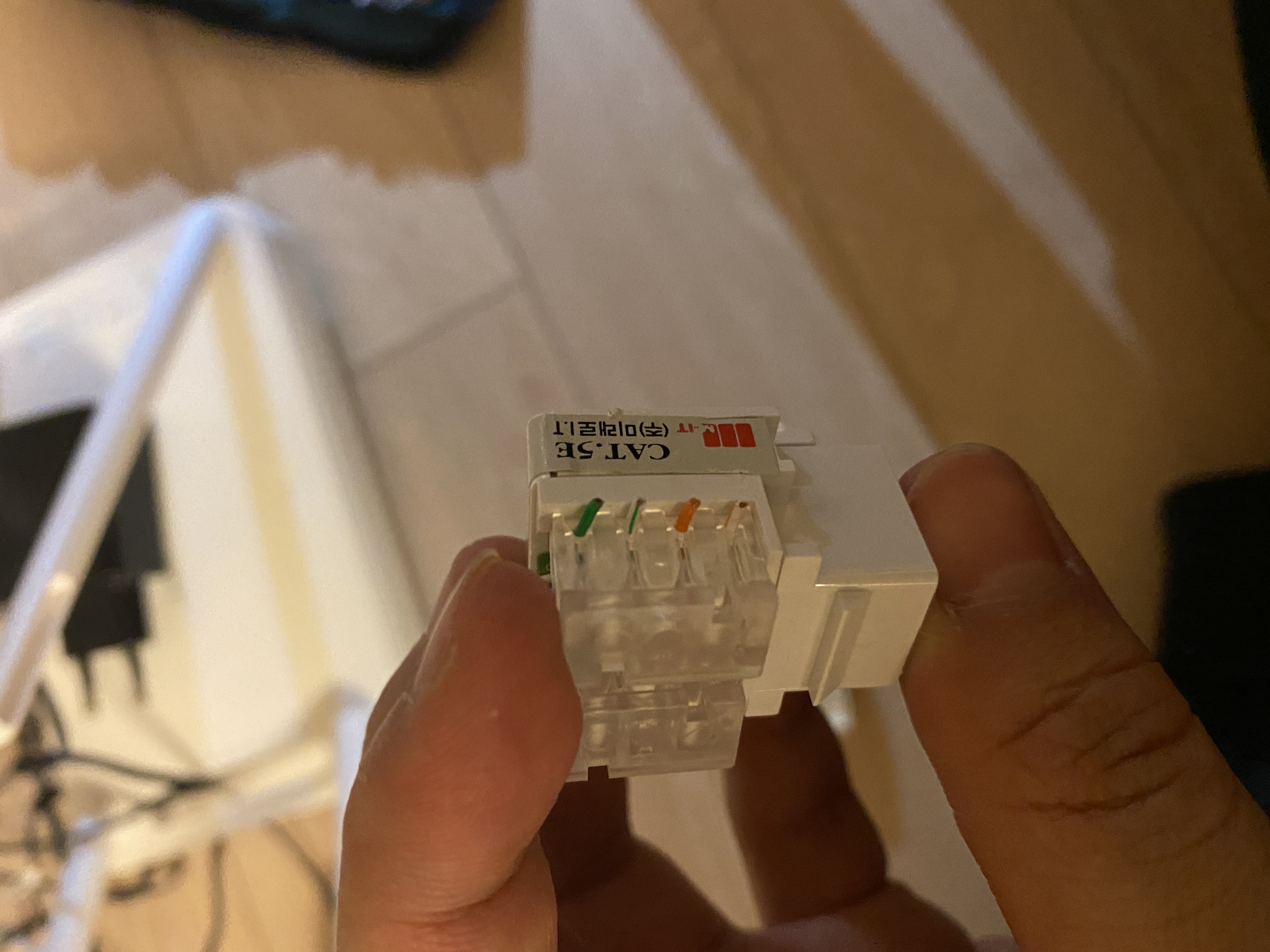
1.2. Tools and Parts
Here are the tools and parts needed for the job.
- CAT.5E keystone jacks (for wall-mounted outlets)
- RJ45 connectors + boots
- UTP cable stripper (for removing the cable sheath)
- Crimping tool
- LAN cable tester (LANstar XT-468)
- Punch-down tool (for keystone jack termination)
- Screwdrivers, scissors, gloves, etc.
Keystone jacks and RJ45 connectors are inexpensive online, and the crimping tool and tester are one-time investments that can be reused indefinitely.
1.3. Wiring
First, strip the cable sheath using a UTP cable stripper. Clamp the stripper onto the cable and rotate it once for a clean cut. Inside the sheath are 4 twisted pairs (8 wires) that need to be untwisted and separated individually.
Arrange the separated wires in T568B order: White/Orange - Orange - White/Green - Blue - White/Blue - Green - White/Brown - Brown. Terminate one end into a CAT.5E keystone jack and crimp the other end with an RJ45 connector. The keystone jack has both T568A and T568B color guides printed on the back — just follow the B side.
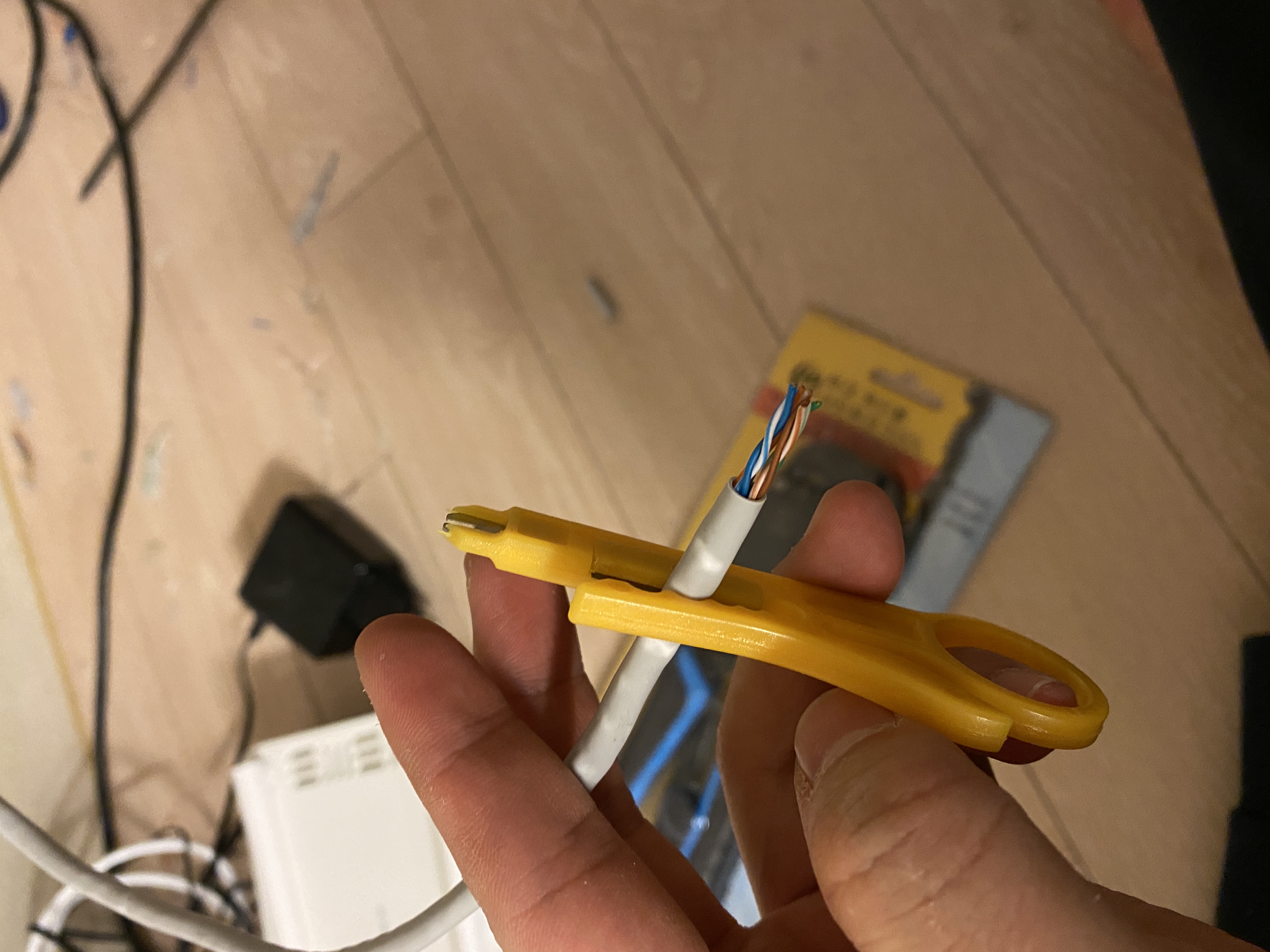
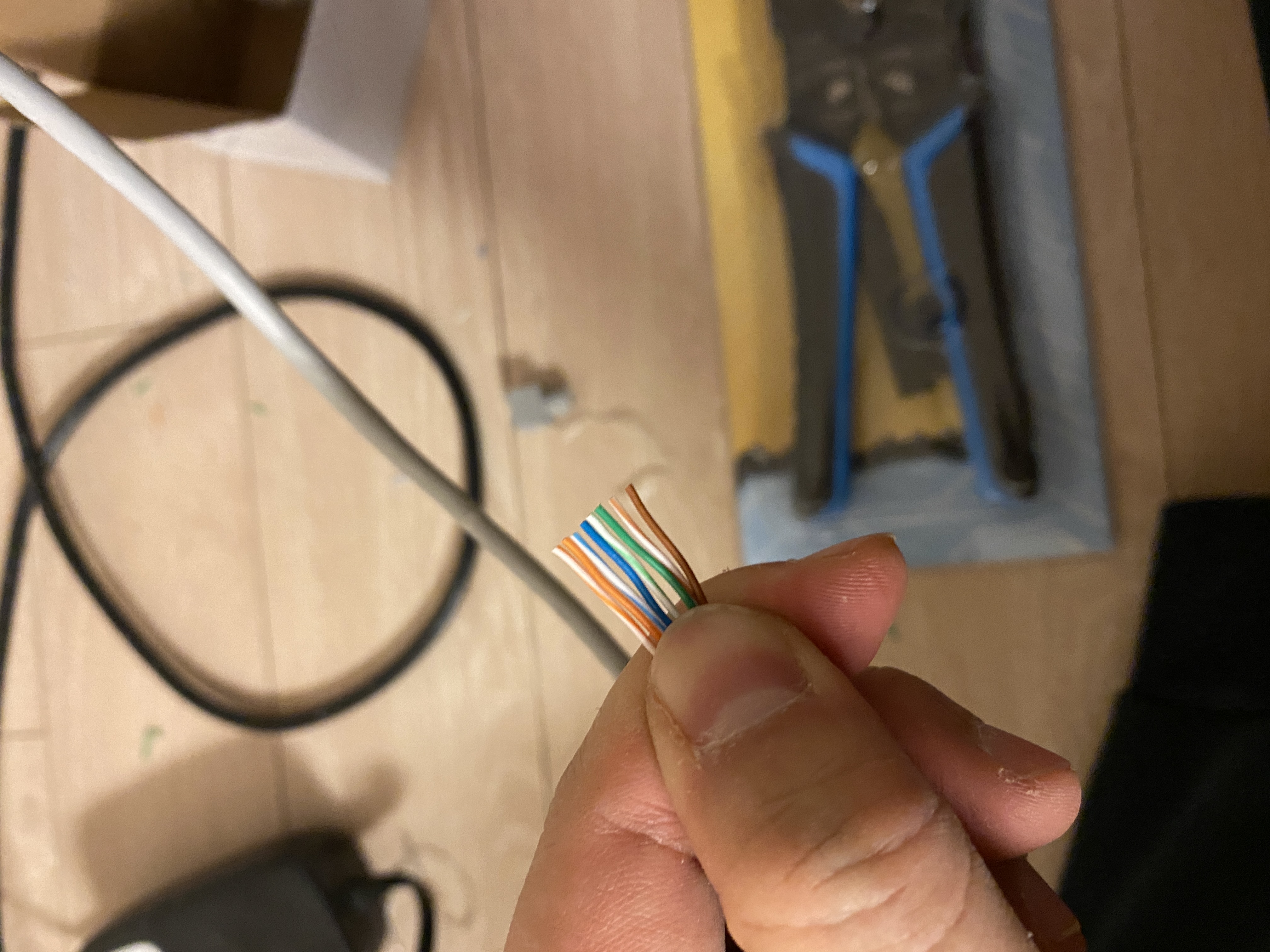
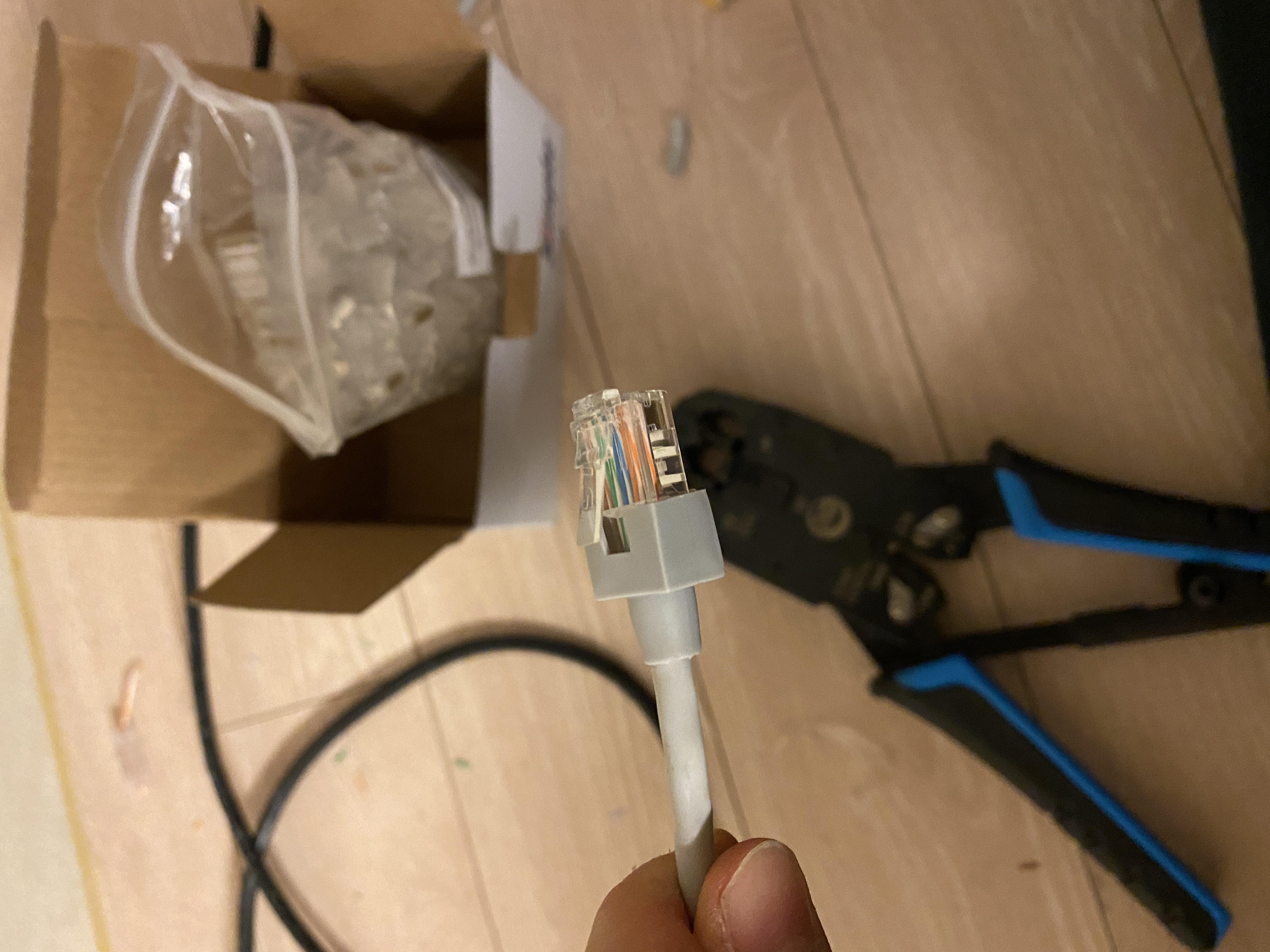
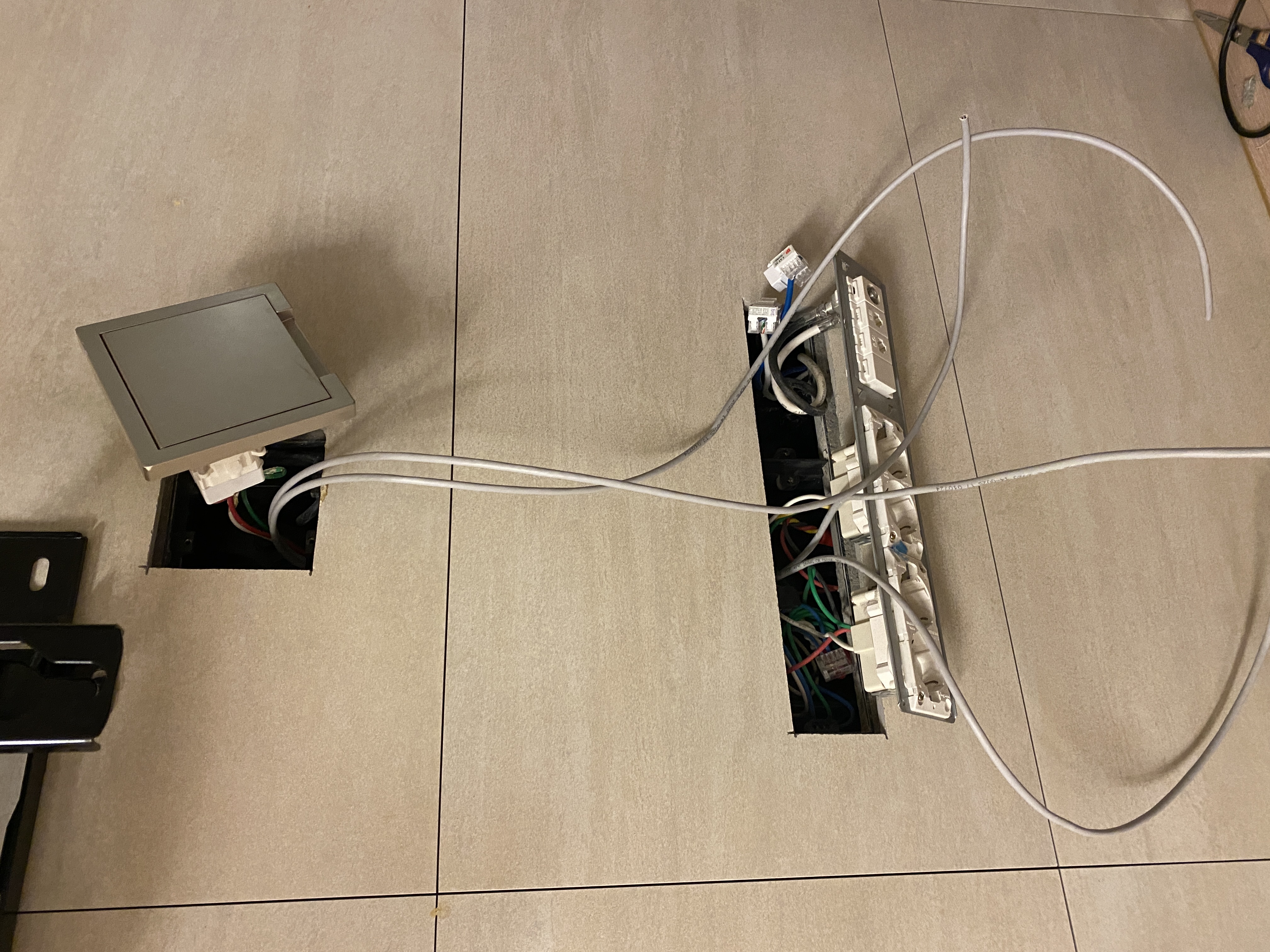
Crimping involves inserting all 8 wires into an RJ45 connector in the correct order, then pressing them down with a crimping tool. The wires are thin and easily get out of order, and if they don’t seat all the way to the end of the connector, you’ll get contact failures. Expect to waste a few connectors on the first try, so keep some spares handy.
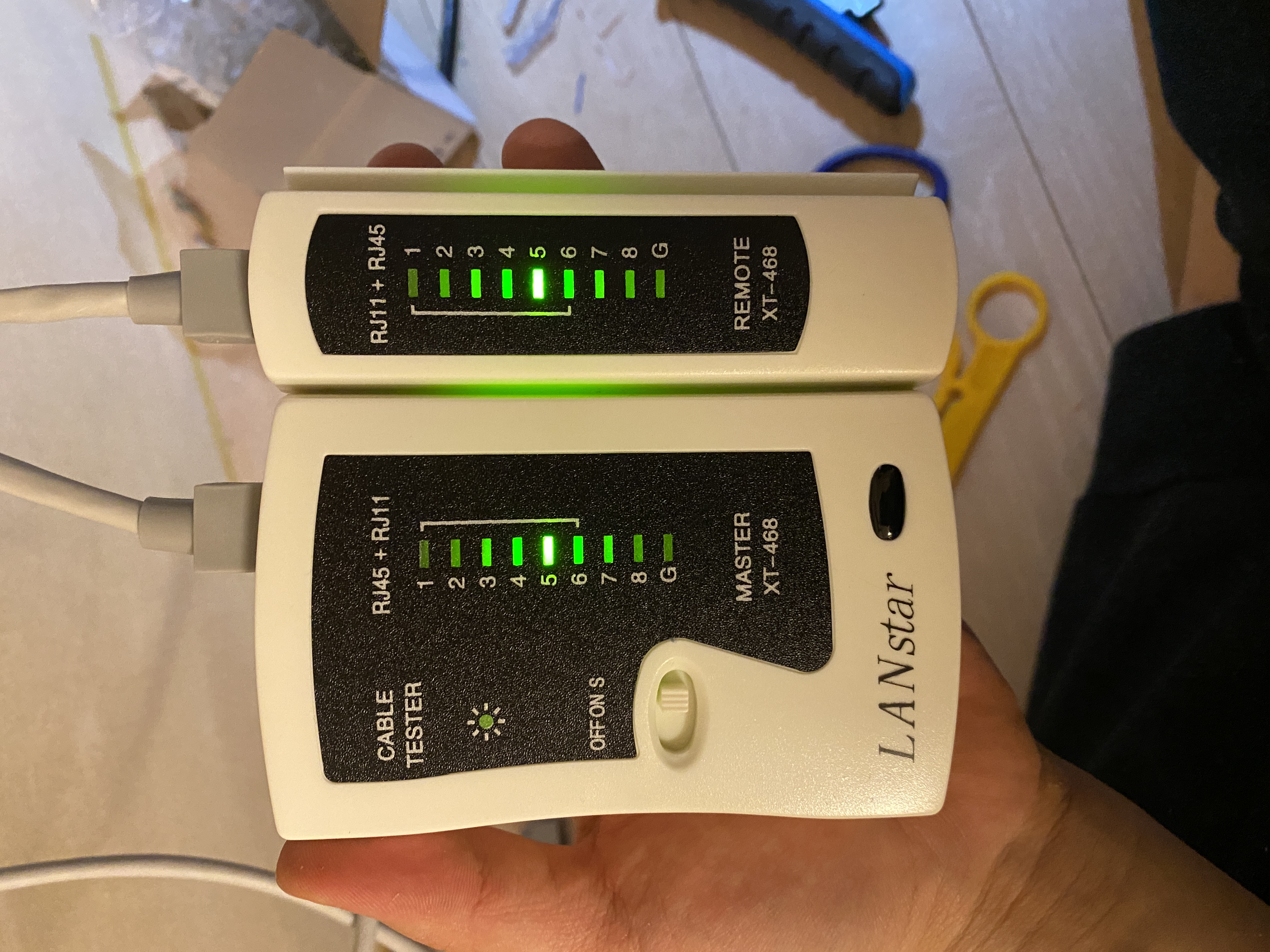
After wiring is complete, verify with the cable tester. Plug each end of the cable into the Master and Remote units and power it on. The LEDs should light up sequentially from 1 through 8 plus G. All green means success. If any pin is missing or out of order, there’s a contact issue that needs to be re-done.
2. TV Cable Management
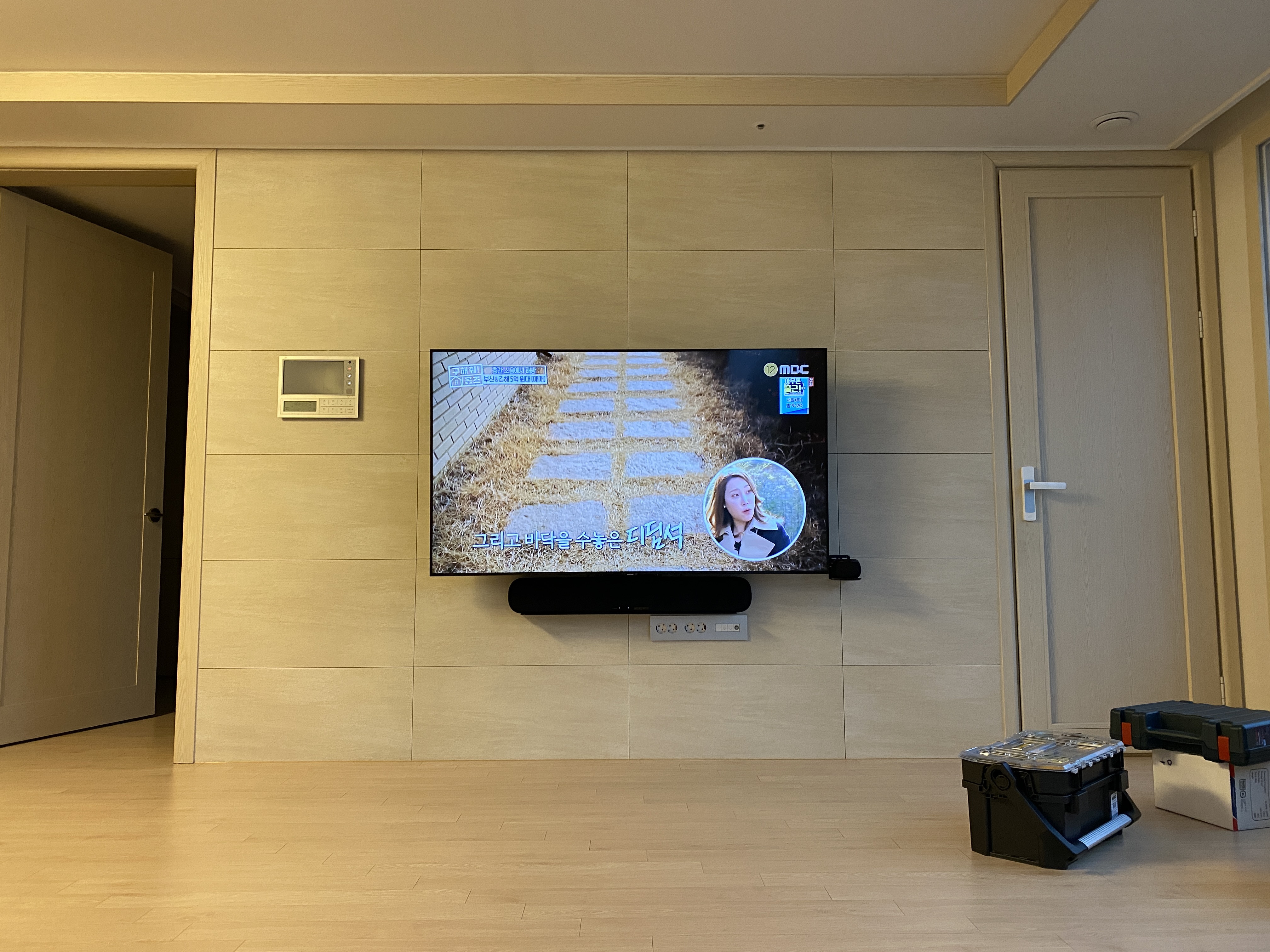
While I was at it, I also organized the cables behind the wall-mounted TV. Behind a wall-mounted TV, power cables, HDMI, soundbar optical cables, and LAN cables all tangle together quickly if left alone. If cables dangle below the bracket, they’re visible from below the TV — defeating the purpose of wall mounting.
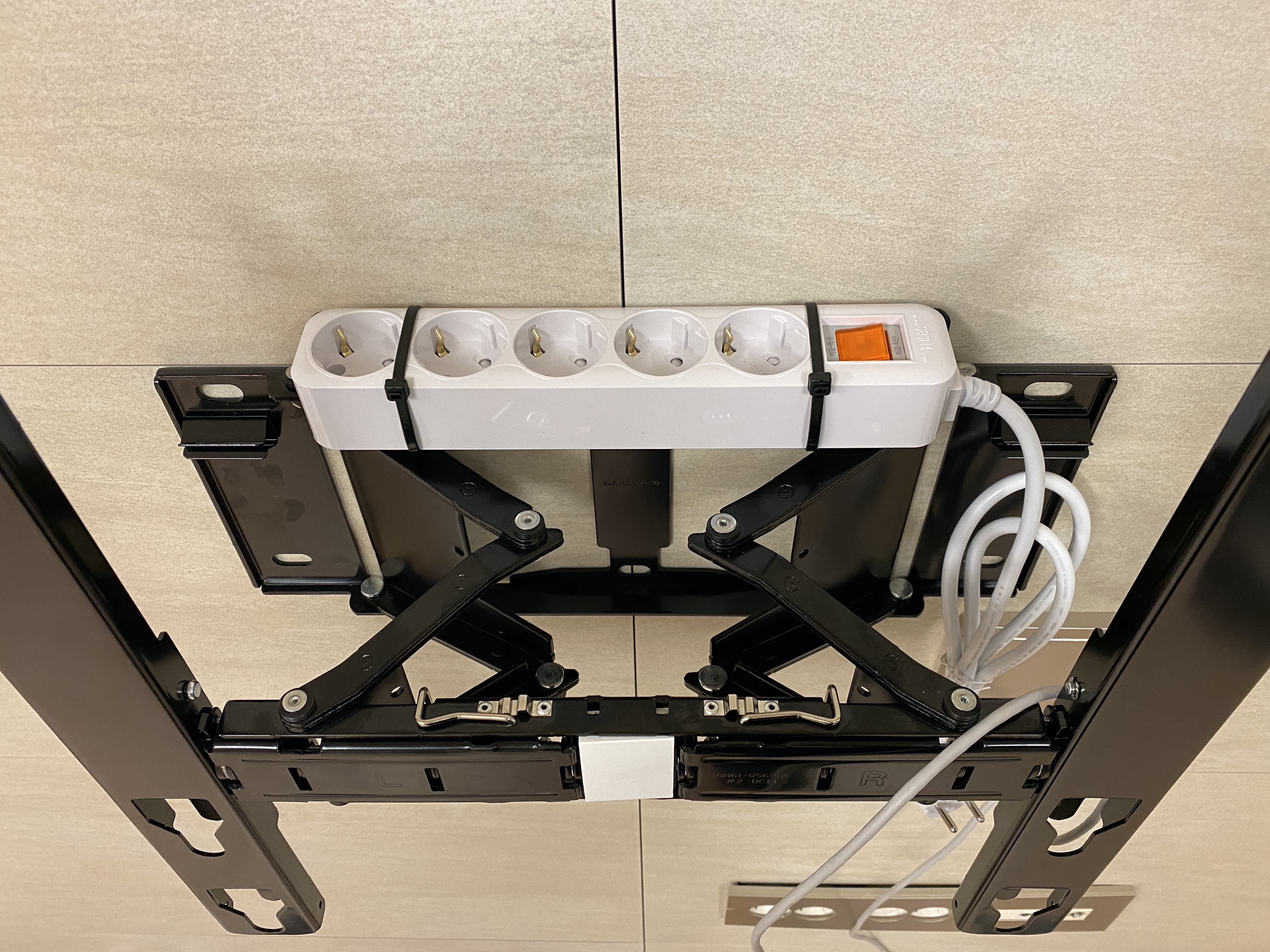
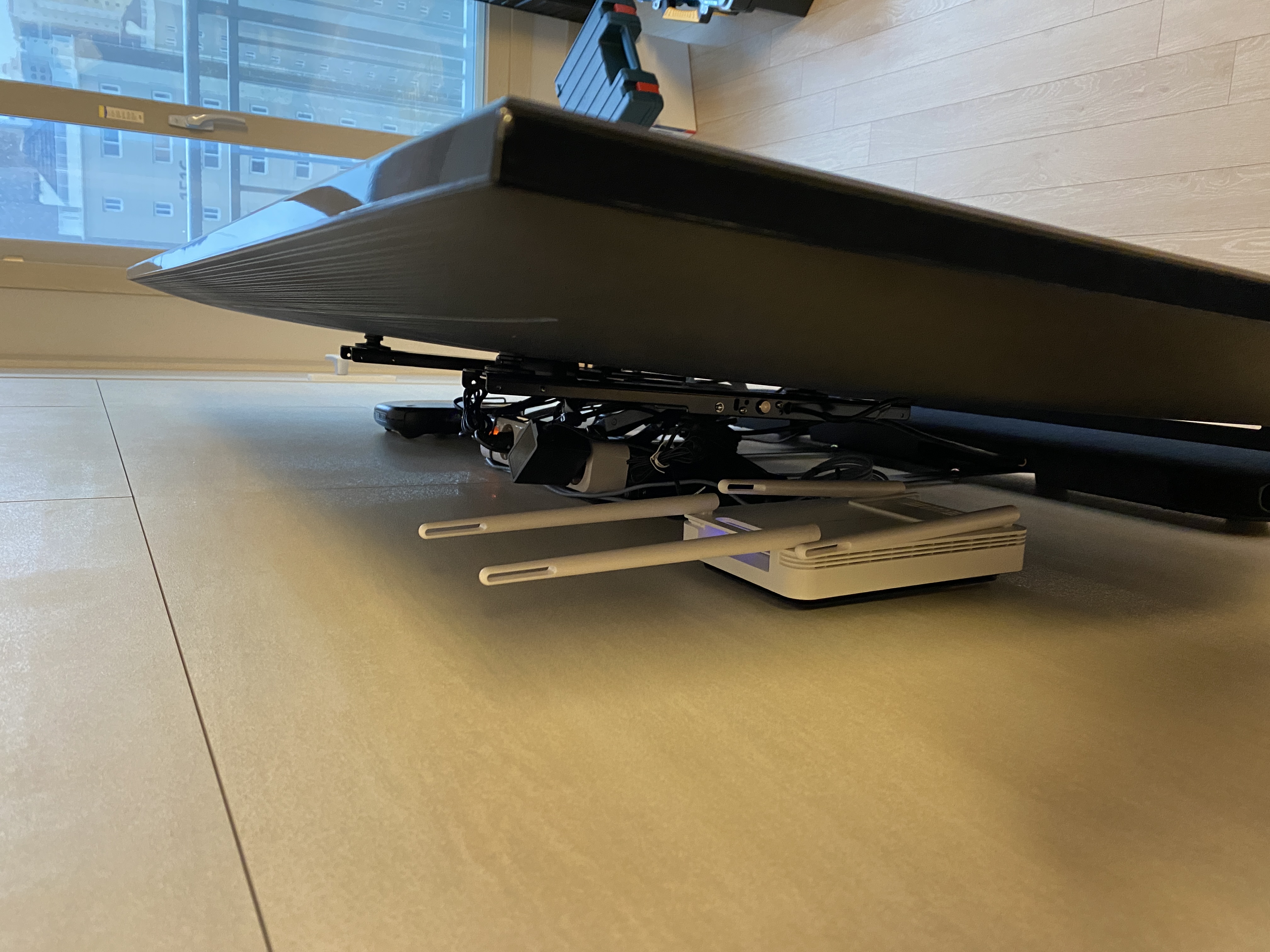
I zip-tied a power strip to the top of the wall mount bracket. This way, the power cables connect directly behind the TV without hanging down. The router was placed in the space behind the TV where it’s invisible from the front. Hiding the router behind the TV had no noticeable impact on WiFi signal. All remaining cables were routed behind the bracket to keep everything looking clean from the outside.
Afterthoughts
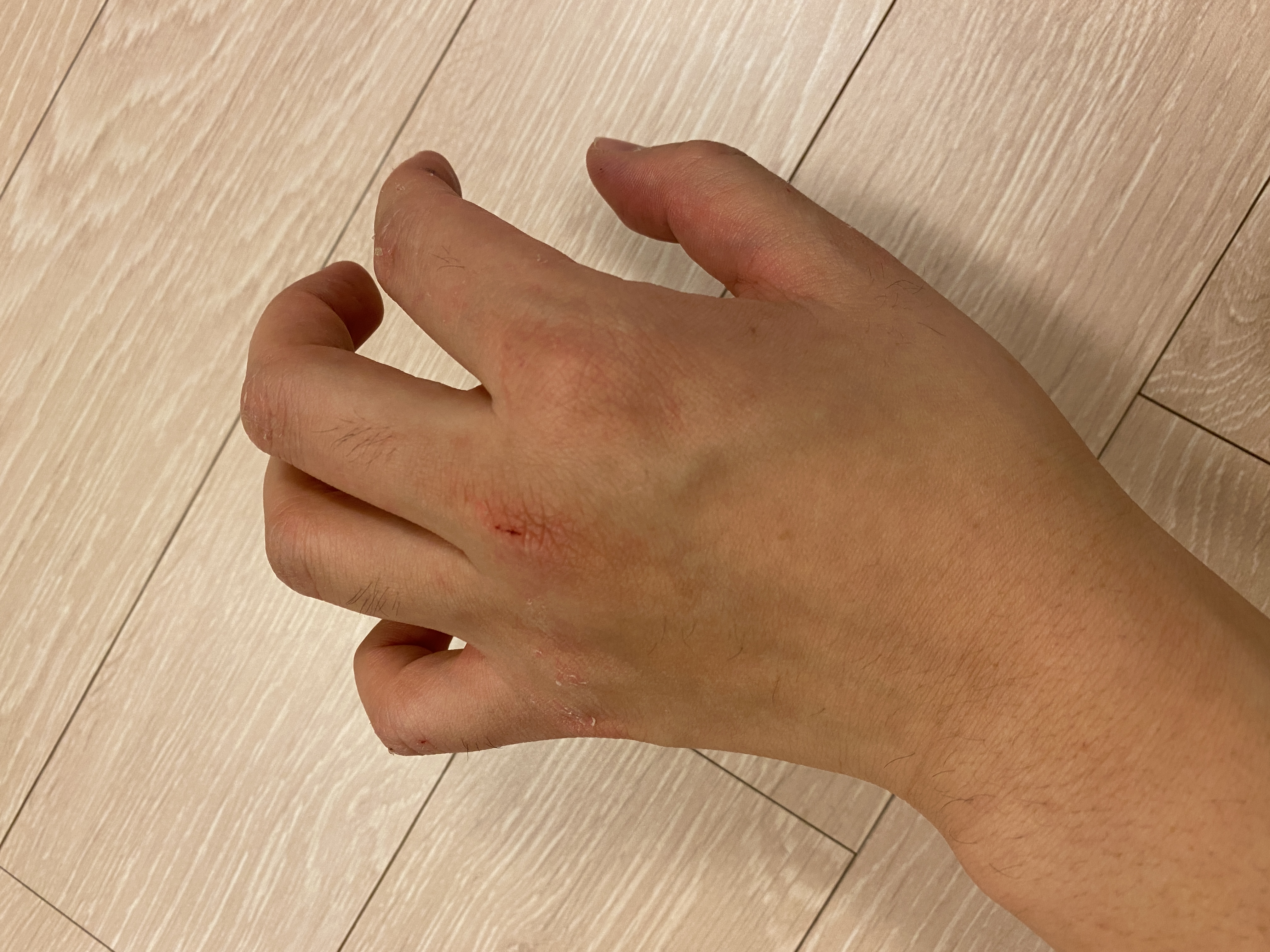
The work itself wasn’t hard, but working inside the tight floor outlet box was rough on my hands. Reaching into the outlet box means getting scratched by the metal frame, and turning screws in such a cramped space leaves your fingers sore. The crimping tool was also my first time, so I failed a few times getting the wires fully seated and wasted some connectors.
Still, anyone can do this with the right tools. Hiring a technician would cost tens of thousands of won including the service call fee, but buying the tools once means you can reuse them indefinitely. It’s also convenient to be able to fix LAN ports in other rooms or make custom-length cables whenever needed.
When I proudly showed the photos to a senior colleague, he asked if I’d served as a signal corps soldier. Unfortunately, I was military police. That said, I’m moving this August myself — and I’m definitely calling a professional for that one.



Leave a comment